Suara
Mini PC enclosure · Raspberry Pi 5 compute
Nine-piece injection-molded enclosure with a dedicated active thermal exhaust duct and zero visible screws.

At a glance
Role
Industrial designer and prototyper
Focus
Mini PC
Skills
CMF · molding · tactile
The problem
Laptop speakers sound thin, and desktops stay in one room. For light work, there is room for a small computer with its own sound that moves between desks.
Internals planned for injection molding.
Industry analysis
Mini PCs are powerful.
They still look mass-produced.
Three Mini PCs already on the market.

Mac Mini
The lowest starting price of the three.

Asus NUC 14 Pro AI
Intel Core Ultra at a lower starting price than Lenovo.

Lenovo ThinkCentre Neo
Drives up to 7 displays, the most of the three.
Price
Starts at $599.00
Starts at $1,300+ for configured models
Starts around $1,799.00 for base
Processor
10-core CPU and 10-core GPU
Intel Core Ultra
Intel Core Ultra
Memory
16GB unified memory (minimum)
16GB or 32GB
Up to 128GB
Storage
Starts at 256GB SSD
Supports high-speed M.2 2280 256GB
256GB SSD
Display support
Can drive up to three displays
Can power up to three displays
Up to 7 independent displays
All three are built to hide under a monitor. Suara is built to sit on the desk, with its own speaker and physical dials.
Concept brief
A Mini PC you live with.
· Form and CMF vs a beige brick
· Speaker in the unit vs a separate speaker on the table
· Dials and a round LCD vs generic buttons
· Plug Suara into a screen and it runs.
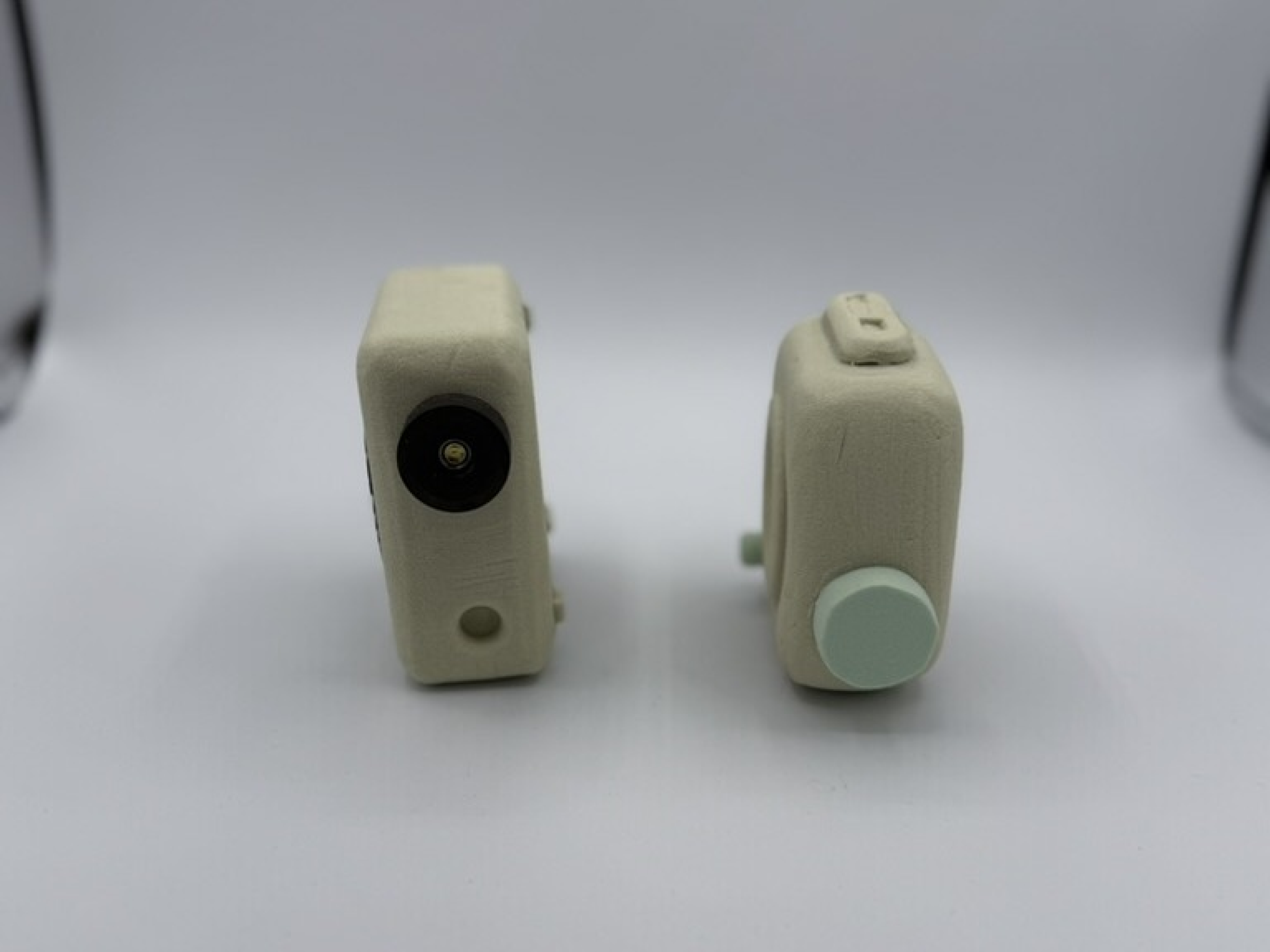
Early prototypes
First printed bodies with speaker and dial.

Process
From marker sketch to 3D print, before the renders.

Marker sketch
From the initial exploration.
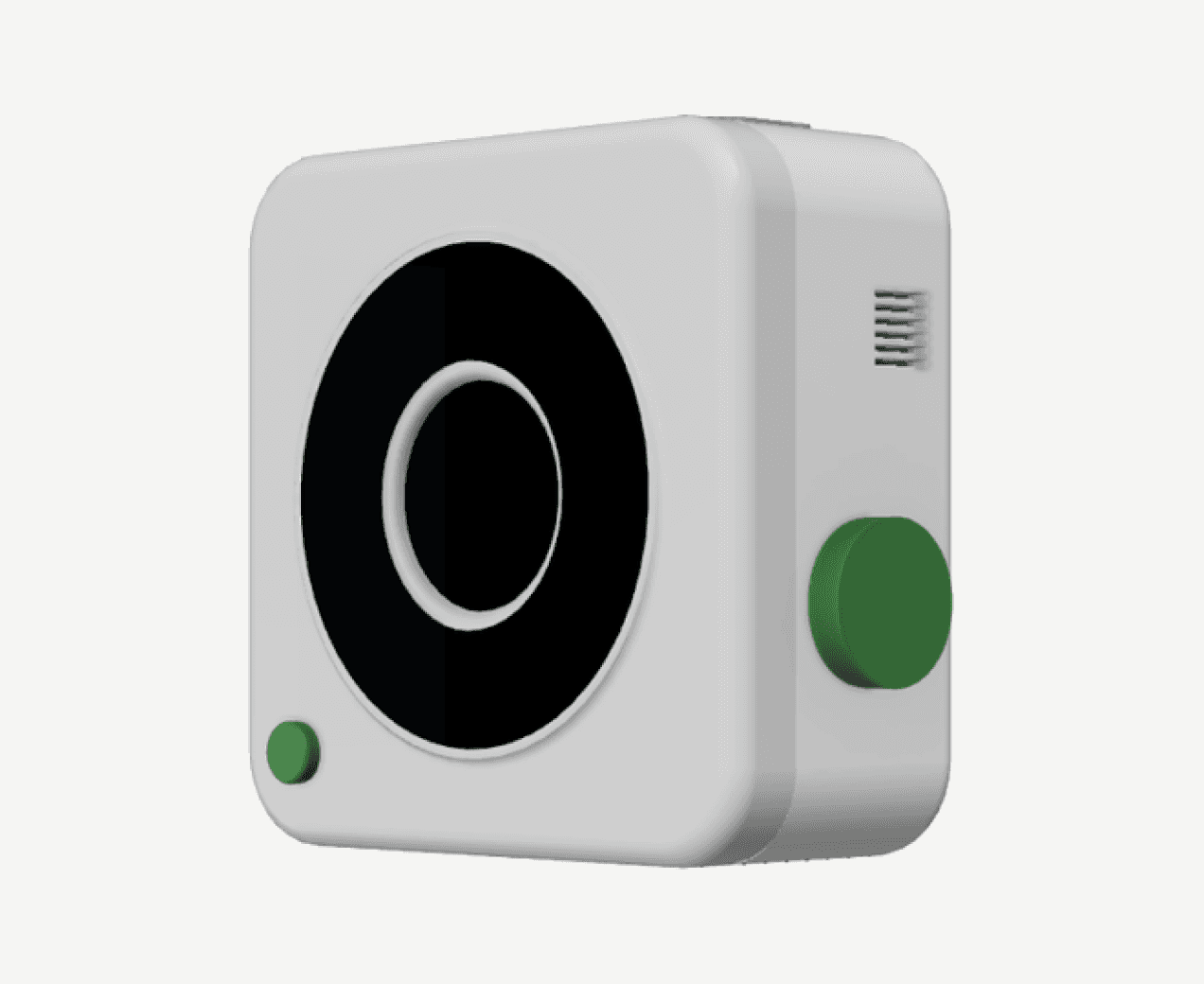
Rhino 8 · enclosure study
An early body. Too simple.

Foam models
Two of the foam bodies. Too simple, not exciting.

3D prints
Added slots for the Pi as well as side vents.
Exploded view
Front assembly on the left, Pi 5 enclosure on the right.

Exploded drawing
Rotary encoders sit behind the dials. The Pi 5 slots into the rear enclosure.

Hidden vent
Vents marked out on the print, then added later to help airflow for the fan. The vent stays out of sight.

Assembly
Screwing the board into the printed shell. Speaker driver in front.

Knob study
Printed knob options in white, gray and black.

Early cmf exploration
Build
Six of the 16 labeled build steps.

01 · Studying form

02 · Set up code

03 · Speaker driver
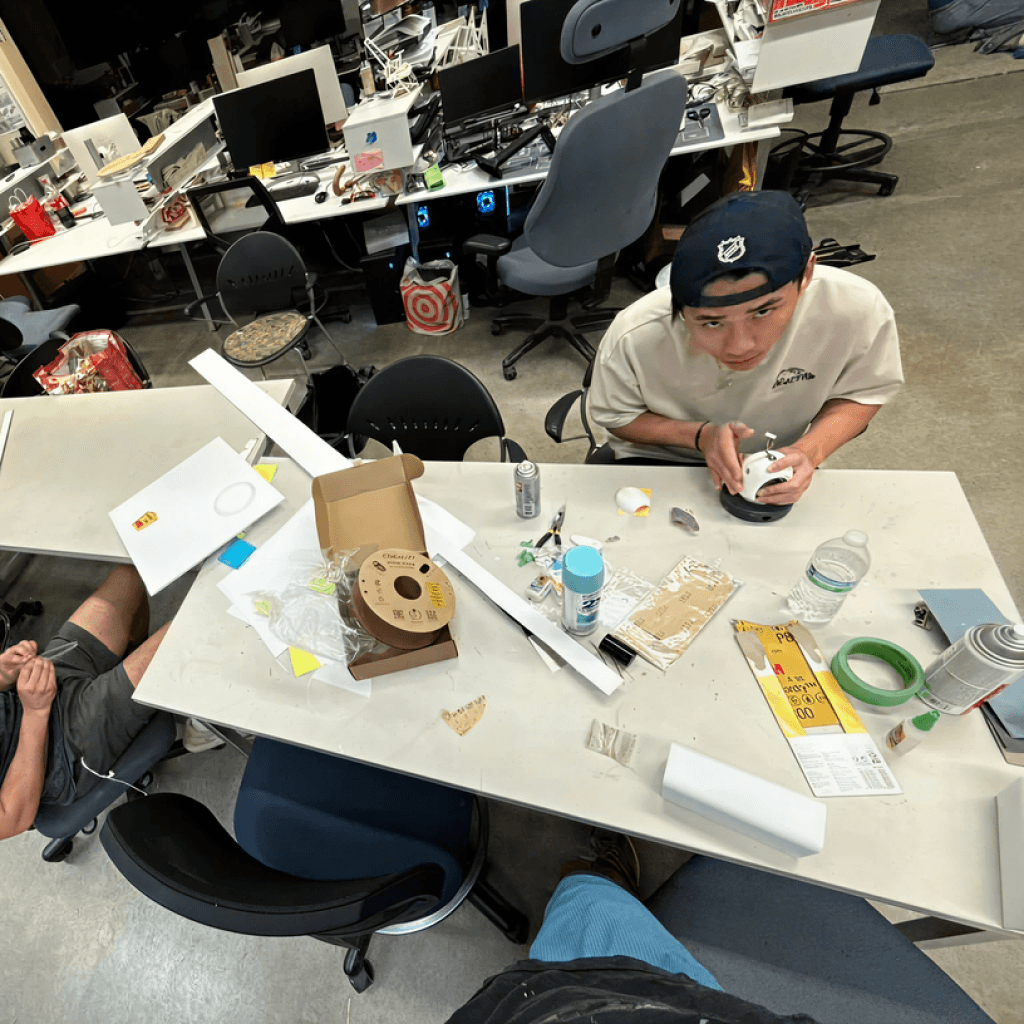
04 · Sanding

05 · CMF samples at Home Depot

06 · Drying
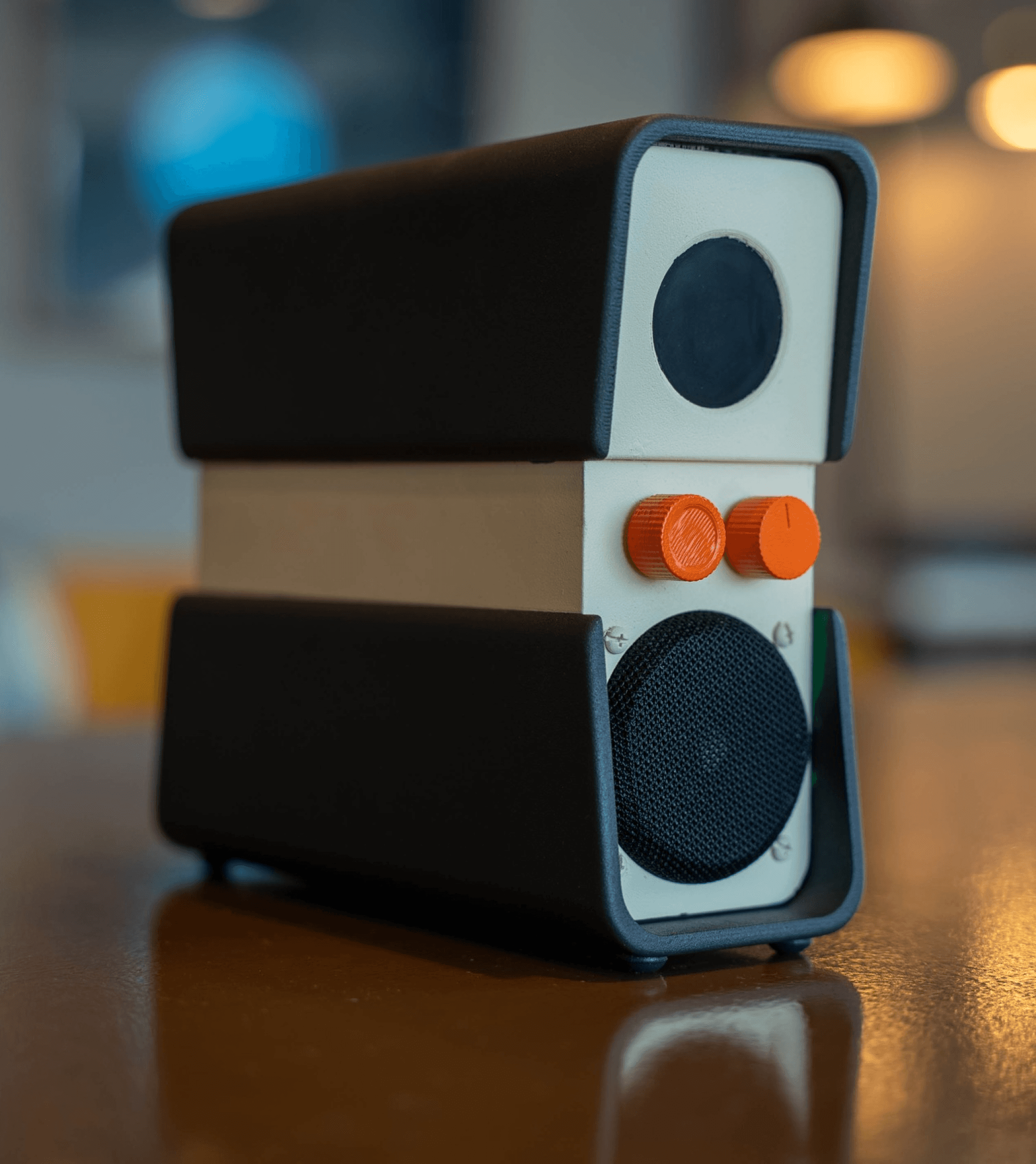
Meet Suara.
Exterior specs
Front-facing controls and streamlined rear ports.

Front
White 3D print.

Rear
Raspberry Pi 5 ports in the rear slot.

Rear I/O

Boot screen
Suara OS splash, inspired by early Microsoft.
Colorways

Yellow · sage · navy
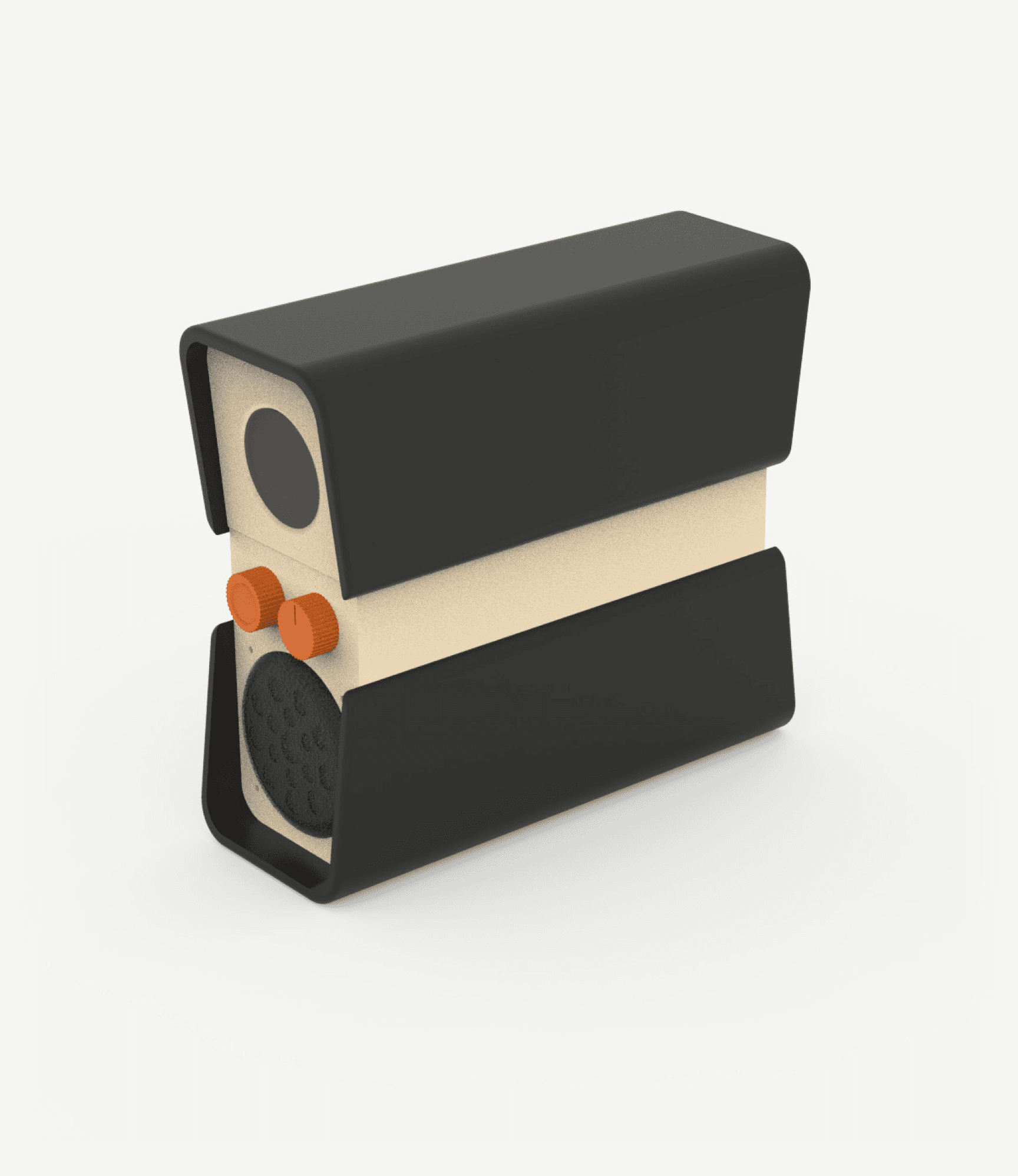
Final · black and cream

Suara beside the keyboard and display.

Fits the bag. Plug into any display.
Specs
Raspberry Pi 5
2.2 mm uniform wall
1.5° draft
Pi 5 active thermal exhaust
8GB
1TB microSD
1.28" LCD
Dual HDMI 4K
USB 3/2
Wi-Fi/BT
2 rotary dials
Gigabit Ethernet
Assembly logic
Printed prototype, split into 9 parts for injection molding. Screw bosses and slots for fastening. Snap-fits and alignment nubs instead of adhesive.
Sandstone Yellow
#D4A84B
Industrial Jade
#3F7A6B
Electric Cobalt
#1E4DD8
LCD tells CPU, RAM, and temp.
Play / pause & volume. Switch LCD screen.
Side vents for the fan. Hidden vents.
Speaker mesh. 1.28” LCD. Raspberry Pi 5.
Setup
One box instead of a pile of peripherals. Front dials, rear ports. Move it between rooms.

Next project
Alus
Die-cast zinc cold wallet